The Next-Gen
Game-Prop Workflow
Build game-ready 3D props and hard-surface assets with AI. High-to-low poly, baked, textured, and engine-ready.
Fill your portfolio with hero props in days, not weeks.
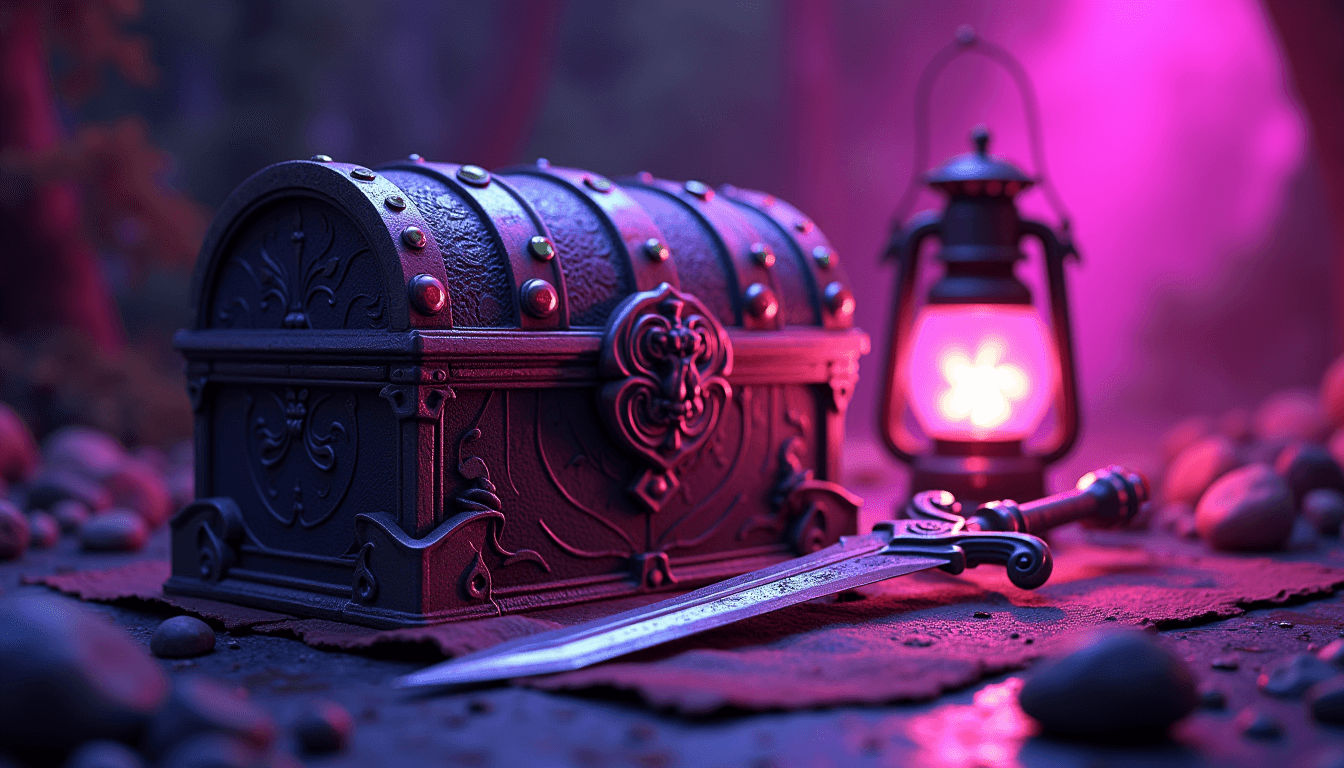
Days, not weeks
AI handles concepting, kitbash sources, and variants, so the slow middle of the pipeline collapses. The boring parts stop eating your week.
Concept to engine-ready
Start from an idea and end with a baked, textured, optimized prop running in Unreal, with a clean LOD chain and a sensible poly budget.
Hero-quality where it counts
Use AI for the boring parts. I teach the manual high-to-low, baking, and optimization that keep your hero pieces clean.
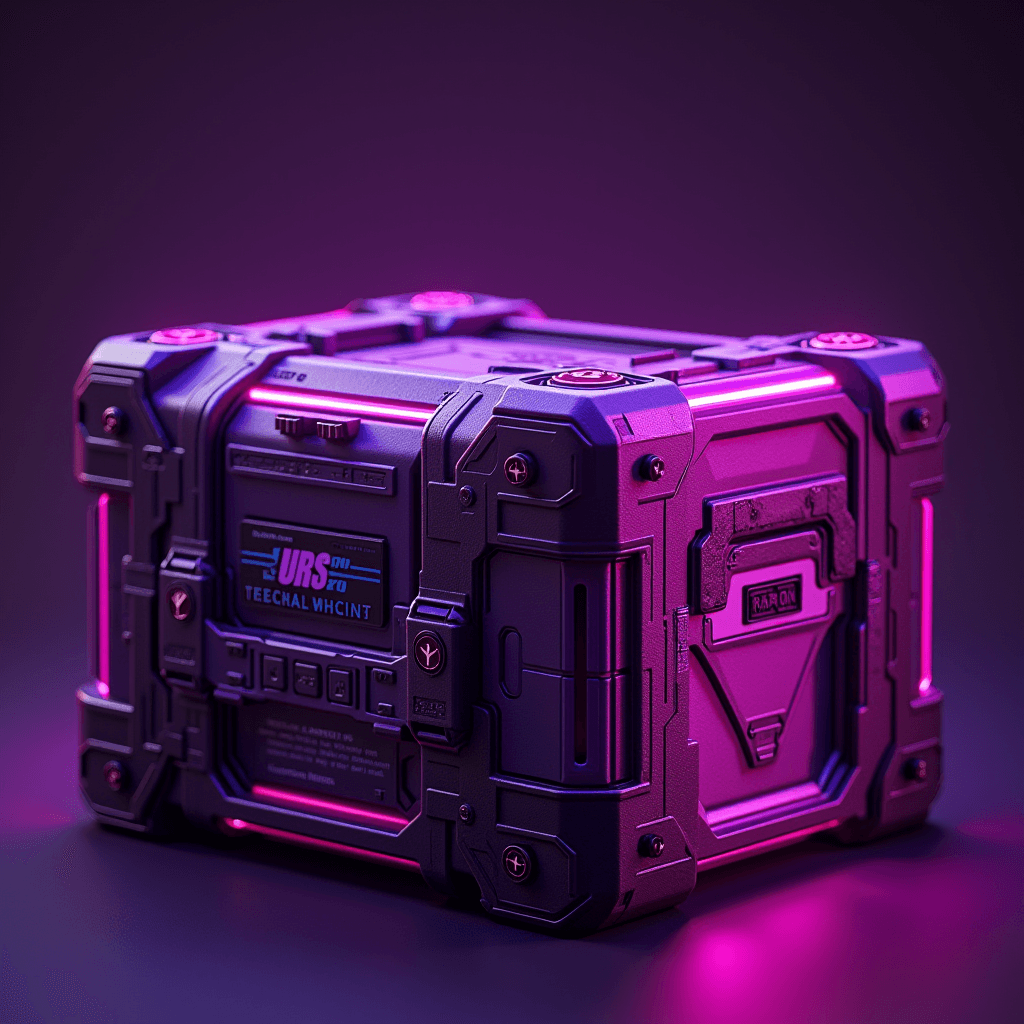
One hero prop, from concept to a final engine render. This is the workflow you'll run.
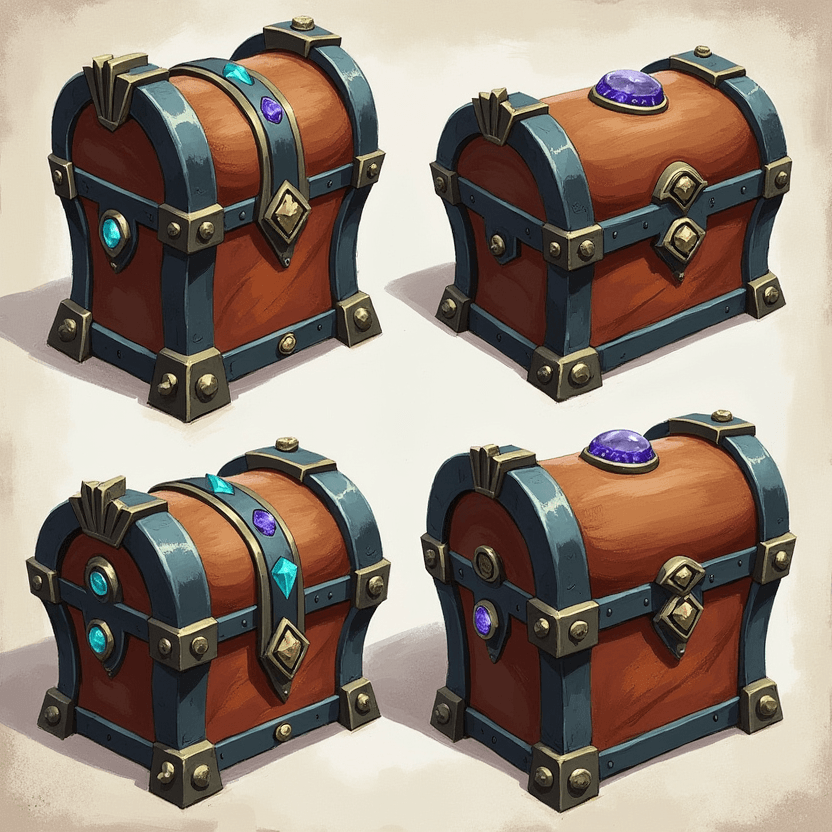 01Concept
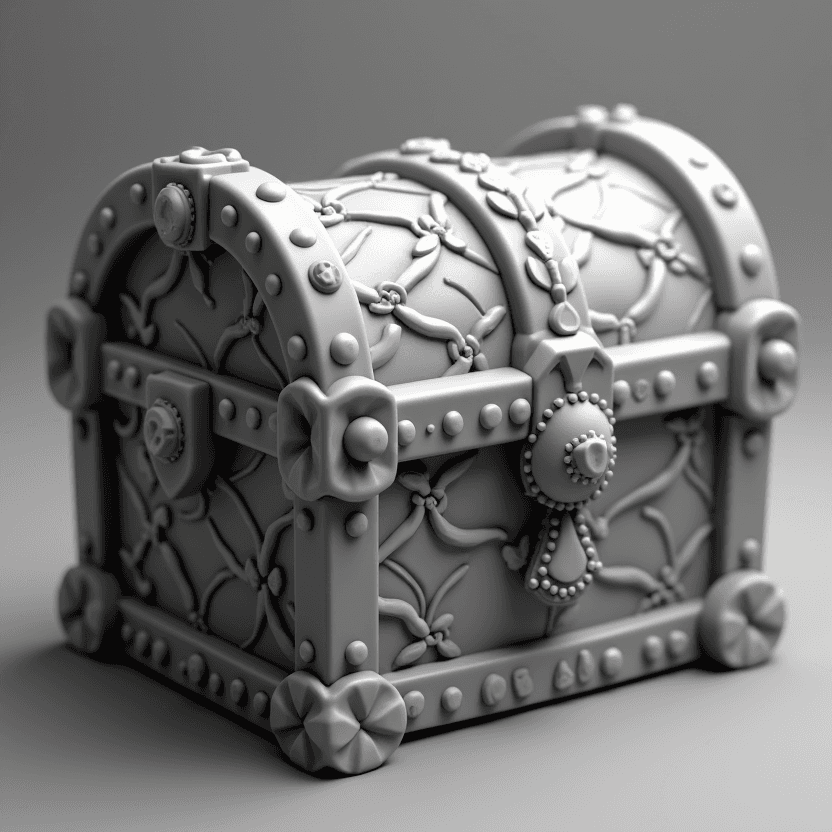 02High-Poly
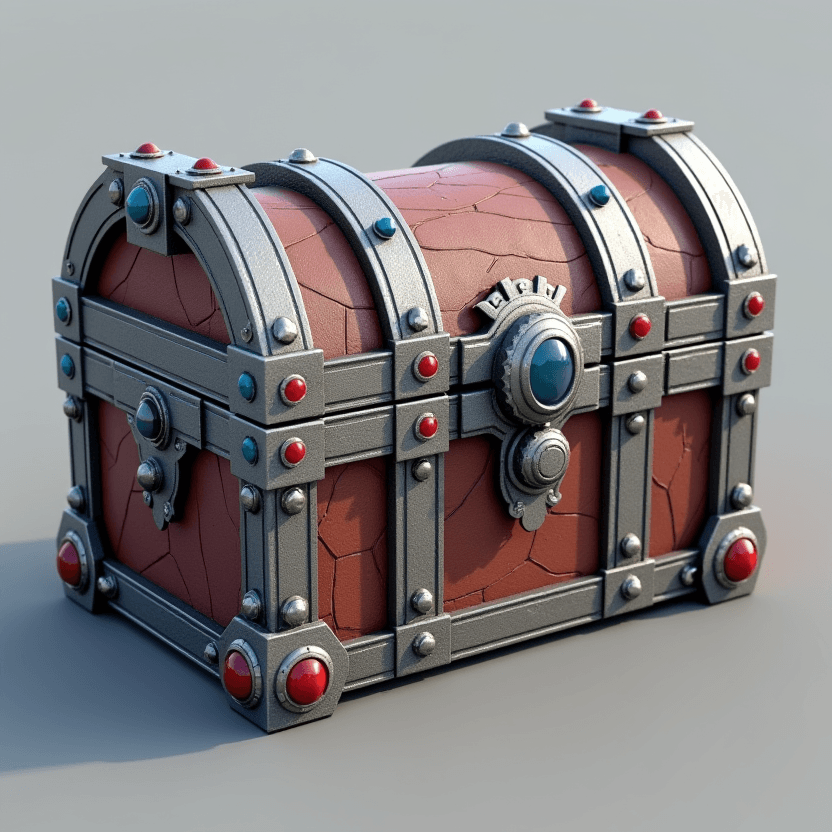 03Low-Poly
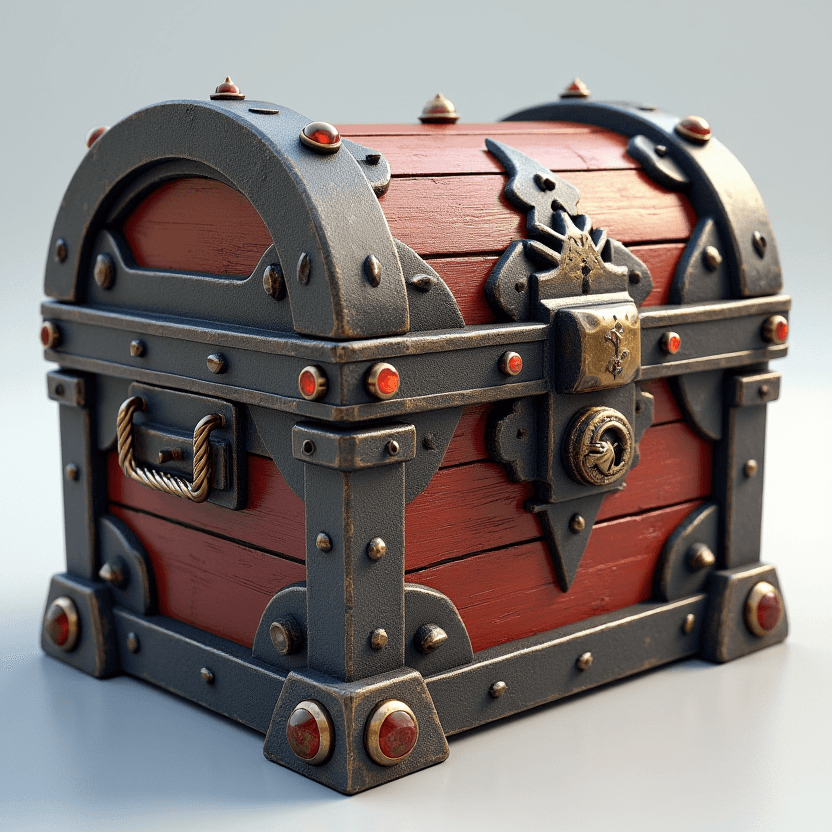 04Bake & Texture
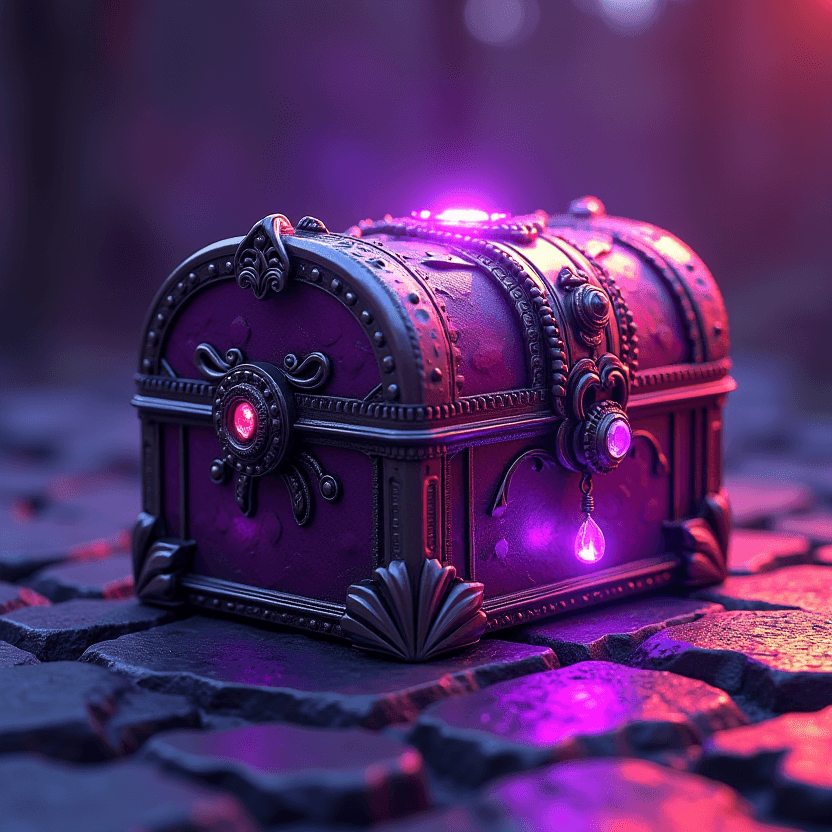 05Engine Render
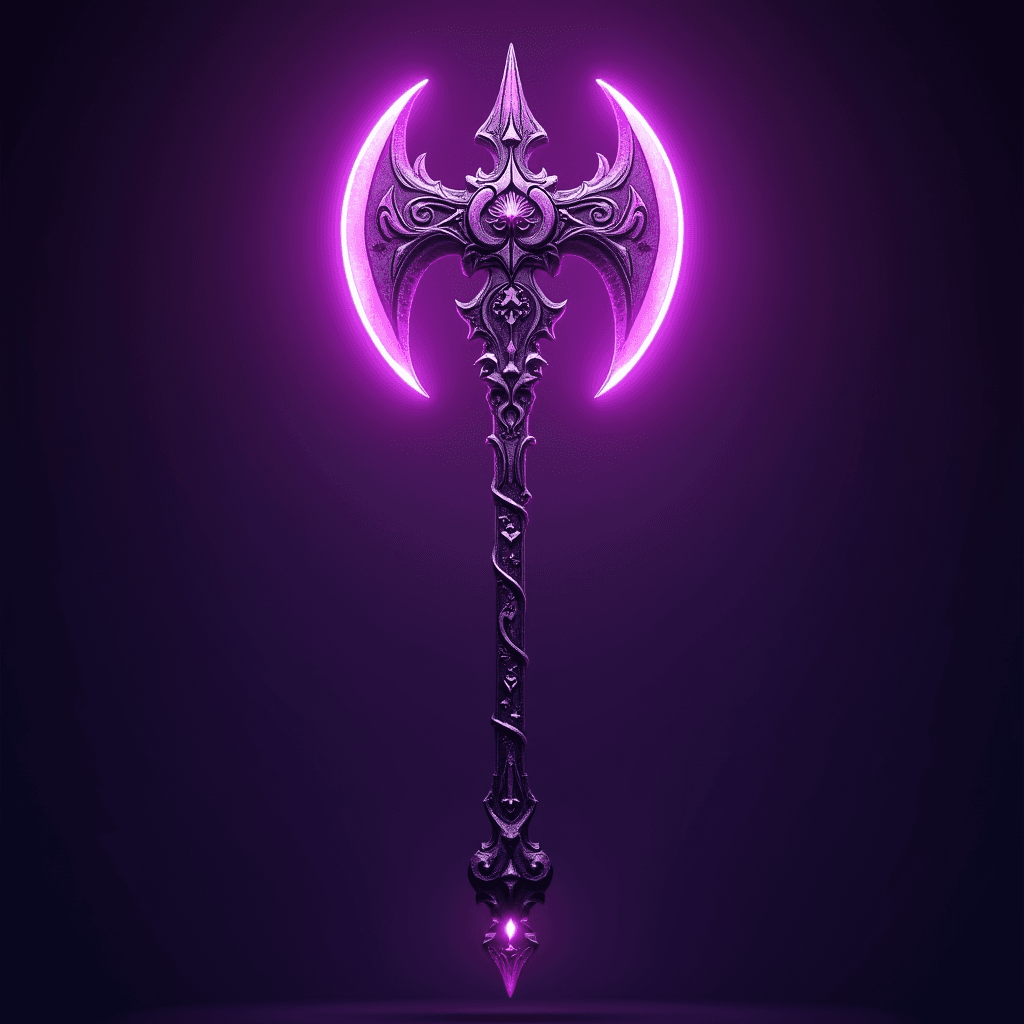
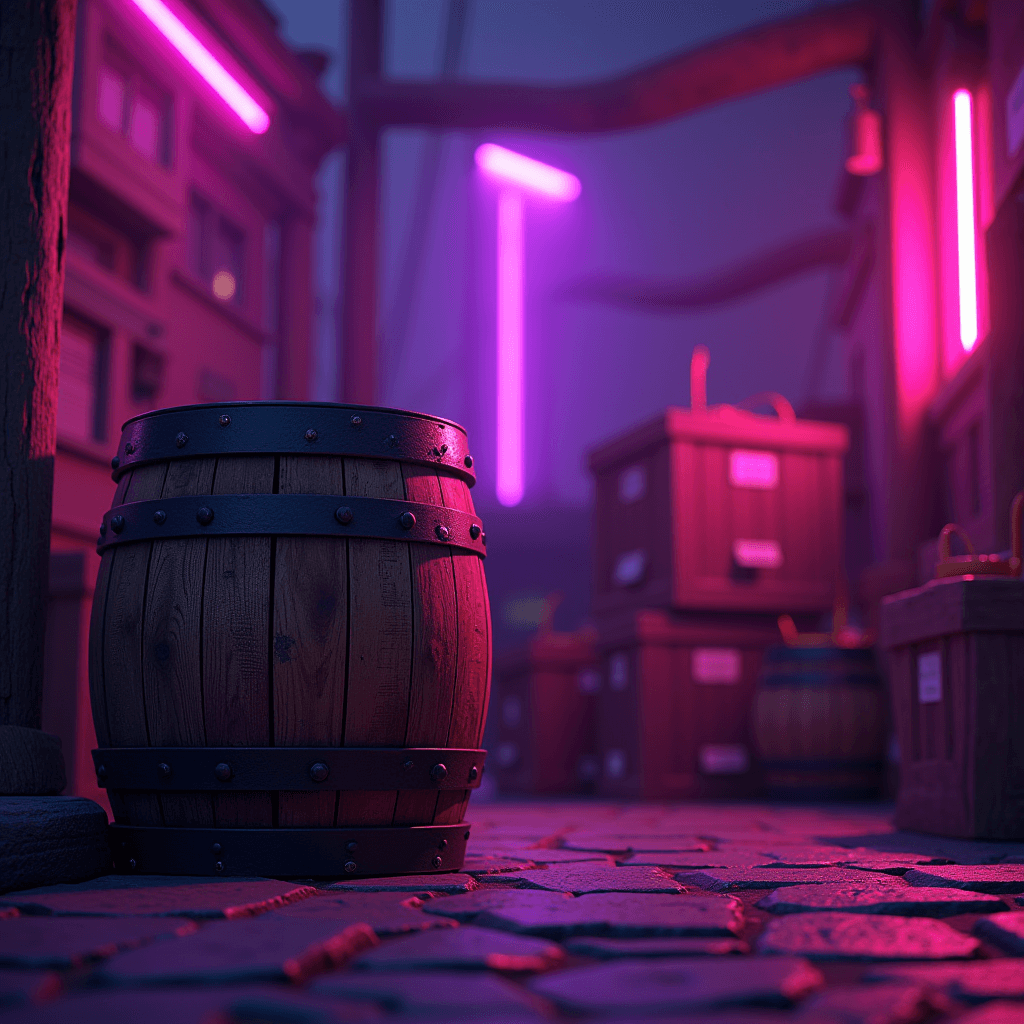
Every one of these started as a single AI concept and ended as an optimized, game-ready asset. That's what you'll be able to build by the end.
New to game assets
- Finish a clean, optimized hero prop that's a real portfolio piece, baked and textured.
- Learn the high-to-low and baking workflow studios actually use.
- Hit real poly and texel budgets instead of guessing.
- Get your asset running in Unreal with LODs from the first project.
Indie devs & freelancers
- Crank out consistent, on-budget props and kitbash kits for your game.
- Use AI variants to fill a scene fast without modeling every piece by hand.
- Export optimized assets straight to Unity or Unreal.
- Build a reusable trim-sheet and material library you'll keep using.
Nine modules from a reference board to an optimized, engine-ready hero prop. Each one ends with homework.
Reference & Asset Plan
Pick a hero prop, generate concept variations with AI, and set your poly and texel budgets before modeling.
AI image gen · PureRef
High-Poly Hard-Surface
Model crisp high-poly forms with booleans, bevels, and sub-D control loops.
Blender · HardOps / Boxcutter
Floaters & Detail Pass
Add non-destructive detail with floaters: hero-level surface without the geometry cost.
Blender
Low-Poly & Optimization
Build an efficient low-poly with a sensible triangle budget, by retopo or smart decimation.
Blender
UV Unwrapping & Packing
Place seams, balance texel density, and decide UDIM vs. single set for clean texturing.
RizomUV / Blender
Baking
Bake normal, AO, curvature, and ID maps, tune the cage, and fix bake artifacts.
Marmoset Toolbag · Substance
PBR Texturing
Build metal/roughness materials with smart masks, edge wear, and grunge that reads in engine.
Substance Painter
Optimization & LODs
Build a clean LOD chain and keep draw-call and material budgets engine-ready.
Blender · Unity / Unreal
Engine Export & Presentation
Import to Unreal, set up materials, and produce a beauty render with a breakdown.
Unreal Engine 5 · Marmoset
Props Course
- All 9 modules · 180+ min of video
- Project files, trim sheets & material kit
- Private Discord community
- Lifetime access + future updates
- Certificate of completion
Complete Bundle · All 3 Courses
- Props + Characters + Environments
- All 27 modules · 10+ hours of video
- Every project file & asset kit
- Private Discord community
- Lifetime access + future updates
Secure checkout via Gumroad · Instant access · 14-day money-back guarantee
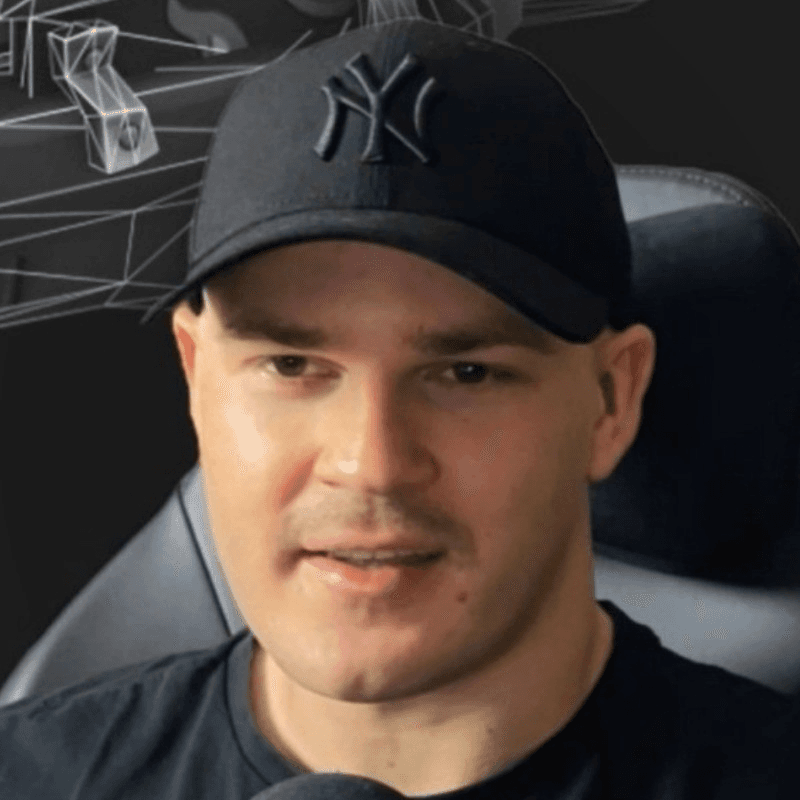
Ilya Kurkin
Senior 3D Technical Artist & Game Developer · Founder, Omni Avatar
Props are where most artists learn the real craft: high-to-low, baking, optimization. I built this course to teach it fast. AI handles concepting and variants, and I show you the manual workflow that keeps a hero prop clean and engine-ready.
Build your first AI-powered hero prop this week
Go through the modules in order and you'll come out with a real, game-ready piece for your portfolio.